
YouTube and Twitch notifications for Discord
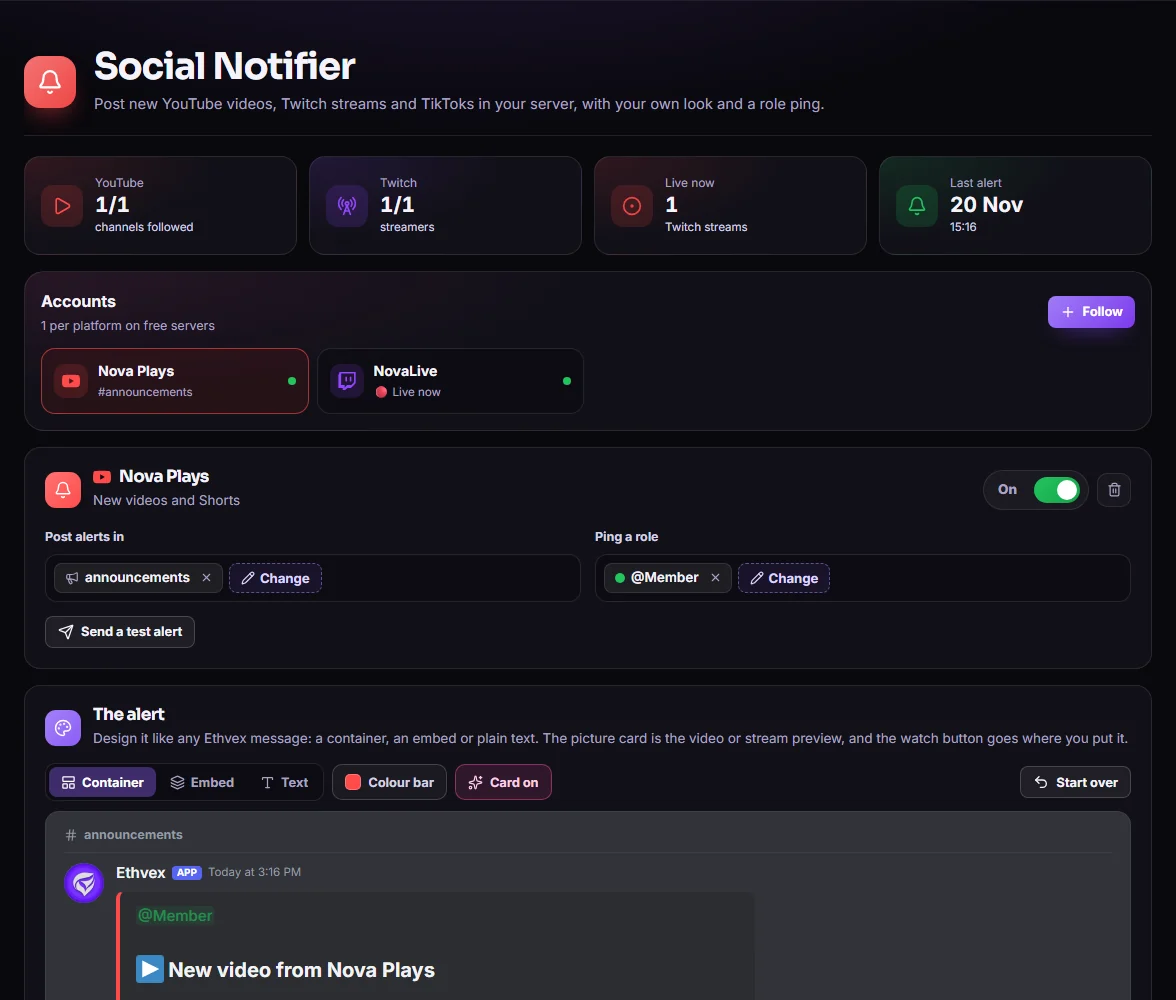
Ethvex posts in your server the moment a YouTube channel uploads a video or a Twitch streamer goes live. Design the alert, ping a role and choose which videos count.
YouTube uploads
Enter the @handle or link. Ethvex starts watching right away.
Twitch live
The streamer signs in once, and alerts post when they go live.
Your design
Container or embed, your colour, title, text and pictures.
Role pings
Mention a role so nobody misses it.
Keywords
Only post when the title has, or doesn't have, certain words.
Test alerts
See how it looks in your server before it is real.
How to get YouTube or Twitch alerts in Discord #
Open Social Notifier
On the dashboard, press Follow and pick YouTube or Twitch, and the channel for alerts.
Add the account
For YouTube, paste the @handle or link. For Twitch, send the streamer the sign in link.
Design the alert
Change the title, text, pictures and button, and pick a role to ping.
Send a test
Make sure Ethvex can post in the channel.
Free and Pro #
1 YouTube channel and 1 Twitch streamer
Up to 5 YouTube channels and 5 Twitch streamers
Tips #
- Make a ping role members can pick in a reaction roles panel, so only people who want alerts are pinged.
- Use an announcement channel, so other servers can follow it.
- Show subscribers or followers as a channel name with counters.
Frequently asked questions
How do I get a notification in Discord when someone uploads on YouTube?
Add Ethvex, open Social Notifier, press Follow, pick YouTube and enter the channel's @handle. Ethvex then posts every new video in the channel you choose.
Is it free?
One YouTube channel and one Twitch streamer are free. Pro has 5 of each.