
A Discord server stats bot with live counters
Ethvex counters show live numbers as channel names, like "Members: 1,234". Count members, people, bots, boosts, members in voice and more, set goals, or show YouTube and Twitch followers.
Members
Everyone, only people or only bots.
Boosts
Boosters and boosts, live.
Goals
Like 1,234/2,000, with its own name once it is reached.
Followers
YouTube subscribers and Twitch followers.
Your own names
Any text with {count}, and four number styles.
Updates itself
Pick how often, or update right away.
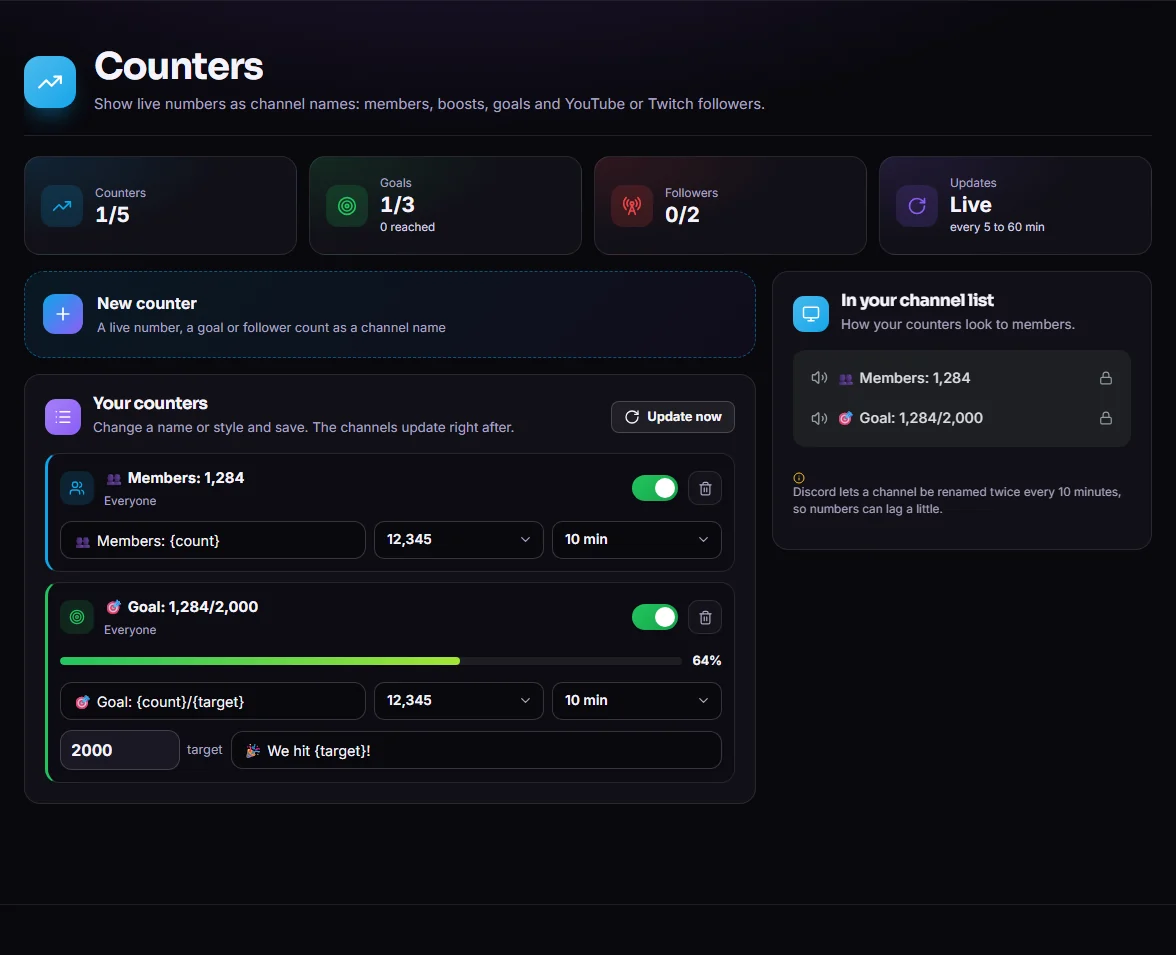
How to show your member count on Discord #
Press New counter
Open Counters on the dashboard and pick a number, a goal or followers.
Name it
Write the channel name with {count} where the number goes.
Choose the look
Number style, channel type and how often it updates.
Make the channel
Ethvex makes it, in a category you pick, and keeps it up to date.
Discord lets a channel be renamed twice every 10 minutes, so every counter bot lags a little behind.
What you can count #
Members, people, bots, members in voice, boosters, boosts, channels, roles, emojis, stickers, tickets, invites and events, plus YouTube subscribers and Twitch followers.
Free and Pro #
5 counters, 3 goals and 2 social counters
Up to 25 counters, 25 goals and 25 social counters
Frequently asked questions
How do I make a member count channel on Discord?
Add Ethvex, open Counters on the dashboard, press New counter, pick Members and make the channel. It updates by itself.
Why is the counter a few minutes behind?
Discord only allows two renames of a channel every 10 minutes, so no bot can update it more often.